• Feedback
  1. Project
  2. Image Studio

Build Cinematic Prompts for AI Image Generation.

Choose professional cameras, lenses, and settings. Generate cinematic images directly in Image Studio.

Use model selection, aspect ratio, and size controls from the prompt bar.
CAMERA SYSTEM
Sony VeniceARRI Signature Prime, 35mm, f/2.8
MOVIE LOOKS
None
CHARACTER POSE
Configure Pose

CAMERA SYSTEM

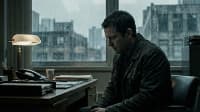
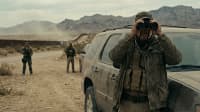
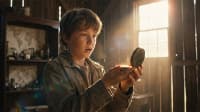
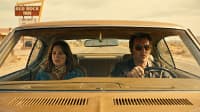
MOVIE LOOKS

None
Selected

None

1917

1917

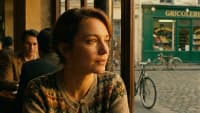
Amelie

Amelie

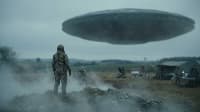
Arrival

Arrival

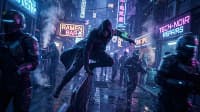
Blade Runner

Blade Runner

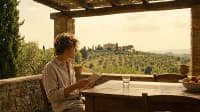
Call Me by Your Name

Call Me by Your Name

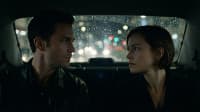
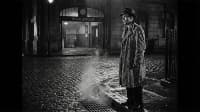
Collateral

Collateral

Documentary Natural

Documentary Natural

Dune

Dune

Eternal Sunshine

Eternal Sunshine

Ex Machina

Ex Machina

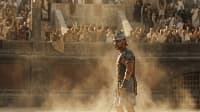
Gladiator

Gladiator

Grand Budapest

Grand Budapest

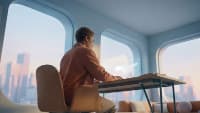
Her

Her

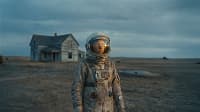
Interstellar

Interstellar

Kubrick Style

Kubrick Style

Lady Bird

Lady Bird

Mad Max: Fury Road

Mad Max: Fury Road

Matrix

Matrix

Midsommar

Midsommar

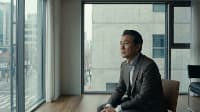
Parasite

Parasite

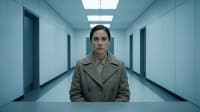
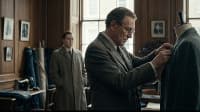
Phantom Thread

Phantom Thread

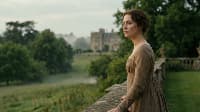
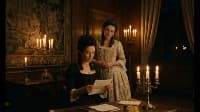
Pride and Prejudice

Pride and Prejudice

Schindler's List

Schindler's List

Se7en

Se7en

Sicario

Sicario

Spielberg Style

Spielberg Style

Tarantino Style

Tarantino Style

The Favourite

The Favourite

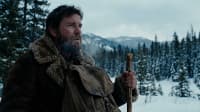
The Revenant

The Revenant

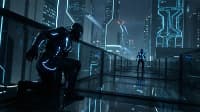
Tron Legacy

Tron Legacy

CHARACTER POSE

Select a bone from the list or click on the model, then rotate it.
[LMB] Rotate • [RMB] Pan • [Scroll] Dolly • [F] Focus
Bones0
Loading character...

CHARACTER BUILDER

Era

AI SETTINGS

Model and Quality

Create ElementConfigure a new element
Describe your scene: character, location, objects, and mood...